Bài Viết, Thủ thuật wordpress
Code Tự động Cập Nhật Giá Khi Tăng Giảm Số Lượng Trong WooCommerce

1. Giới Thiệu Code Tự động Cập Nhật Giá Khi Tăng Giảm Số Lượng
Việc tự động cập nhật giá khi thay đổi số lượng sản phẩm giúp người dùng cộng/trừ số lượng một cách trực quan hơn, góp phần nâng cao trải nghiệm mua sắm. Code dưới đã được kiểm tra và hoạt động tốt trên WooCommerce.

2. Code Tự động Cập Nhật Giá
Chèn code sau vào file functions.php của theme:
1 2 3 4 5 6 7 8 9 10 11 12 13 14 15 16 17 18 19 20 21 22 23 24 25 26 27 28 29 30 31 32 33 34 35 36 37 38 39 40 41 42 43 44 45 46 47 48 49 50 51 52 53 54 55 56 57 58 59 60 61 62 63 64 65 66 67 68 69 70 71 72 73 74 | /** * Tự động cập nhật giá khi thay đổi số lượng trên trang sản phẩm WooCommerce * Code by muathemewpgiare02 */ function muathemewpgiare02_update_price_script() { if (is_product()) { ?> <script type="text/javascript"> jQuery(document).ready(function($) { let originalPrice_muathemewpgiare02 = 0; let pricePerUnit_muathemewpgiare02 = 0; let priceUpdated_muathemewpgiare02 = false; function storeOriginalPrice_muathemewpgiare02() { let $priceElement = $('.summary .price .woocommerce-Price-amount').first(); if (!$priceElement.length) return; let priceText = $priceElement.text().replace(/[^0-9.,]/g, ''); pricePerUnit_muathemewpgiare02 = parseFloat(priceText.replace(/,/g, '.')); originalPrice_muathemewpgiare02 = pricePerUnit_muathemewpgiare02; } function updateDisplayPrice_muathemewpgiare02() { let quantity = parseInt($('input.qty').val()) || 1; let totalPrice = pricePerUnit_muathemewpgiare02 * quantity; $('.summary .price .woocommerce-Price-amount').first().text(totalPrice.toFixed(2)); priceUpdated_muathemewpgiare02 = true; } function handleQuantityChanges_muathemewpgiare02() { $('input.qty').on('input', updateDisplayPrice_muathemewpgiare02); $('.plus, .minus').on('click', function() { setTimeout(updateDisplayPrice_muathemewpgiare02, 100); }); } function resetPriceBeforeAddToCart_muathemewpgiare02() { $('form.cart').on('submit', function() { if (priceUpdated_muathemewpgiare02) { $(this).append('<input type="hidden" name="original_price_muathemewpgiare02" value="' + pricePerUnit_muathemewpgiare02 + '">'); } }); } storeOriginalPrice_muathemewpgiare02(); handleQuantityChanges_muathemewpgiare02(); resetPriceBeforeAddToCart_muathemewpgiare02(); }); </script> <?php } } add_action('wp_footer', 'muathemewpgiare02_update_price_script', 99); function muathemewpgiare02_store_original_price($cart_item_data, $product_id) { if (isset($_POST['original_price_muathemewpgiare02'])) { $cart_item_data['original_price_muathemewpgiare02'] = floatval($_POST['original_price_muathemewpgiare02']); } return $cart_item_data; } add_filter('woocommerce_add_cart_item_data', 'muathemewpgiare02_store_original_price', 10, 2); function muathemewpgiare02_apply_original_price($cart_object) { if (is_admin() && !defined('DOING_AJAX')) return; foreach ($cart_object->get_cart() as $cart_item_key => $cart_item) { if (isset($cart_item['original_price_muathemewpgiare02'])) { $product = $cart_item['data']; $original_price = floatval($cart_item['original_price_muathemewpgiare02']); $product->set_price($original_price); } } } add_action('woocommerce_before_calculate_totals', 'muathemewpgiare02_apply_original_price', 10); |
3. Kết Luận
Chỉ cần copy và dán code trên vào functions.php, xóa cache nếu có. Code này hoạt động trơn tru, giúp hiển thị giá tự động khi thay đổi số lượng sản phẩm. Nếu bạn gặp khó khăn khi cài đặt, hãy liên hệ mình để được hỗ trợ nhanh chóng. Cảm ơn bạn đã theo dõi! Anh em lưu ý, code trên khi 1 class giá của anh em khác thì phải thay sửa lại cho phù hợp để code mới chạy nhé
- Hướng Dẫn Hạn Chế Người Dùng Chỉ Xem File Media Do Chính Họ Tải Lên Trong WordPress
- Hướng Dẫn Thêm Thanh Tiến Trình Quà Tặng Vào WooCommerce Giỏ Hàng
- Hướng dẫn Cách Tối ưu SEO Danh Mục Sản Phẩm Website WordPress
- Tài khoản Antigravity giá rẻ – Mua ngay tại muathemewpgiare.com
- Tại sao website không hiển thị trên Google? 3 Cách khắc phục tình trạng này
Thông báo chính thức: Muathemewpgiare chân thành mong muốn được đồng hành và hỗ trợ tốt nhất cho các khách hàng trong quá trình sử dụng giao diện WordPress. Vì vậy, khi mua những theme wordpress tại chúng tôi, chúng tôi cam kết hỗ trợ quý khách hàng hết sức có thể.
Chúng tôi hiểu rằng sự lựa chọn của quý khách là rất quan trọng. Việc mua source code tại chúng tôi không chỉ giúp đảm bảo chất lượng mà còn nhận được sự hỗ trợ tận tâm từ Muathemewpgiare. Chúng tôi rất mong quý khách cân nhắc kỹ, tránh những rủi ro không đáng có khi mua các source code không rõ nguồn gốc. Chúng tôi luôn sẵn sàng hỗ trợ và đồng hành cùng quý khách. Xin chân thành cảm ơn!
Bài viết cùng chủ đề:

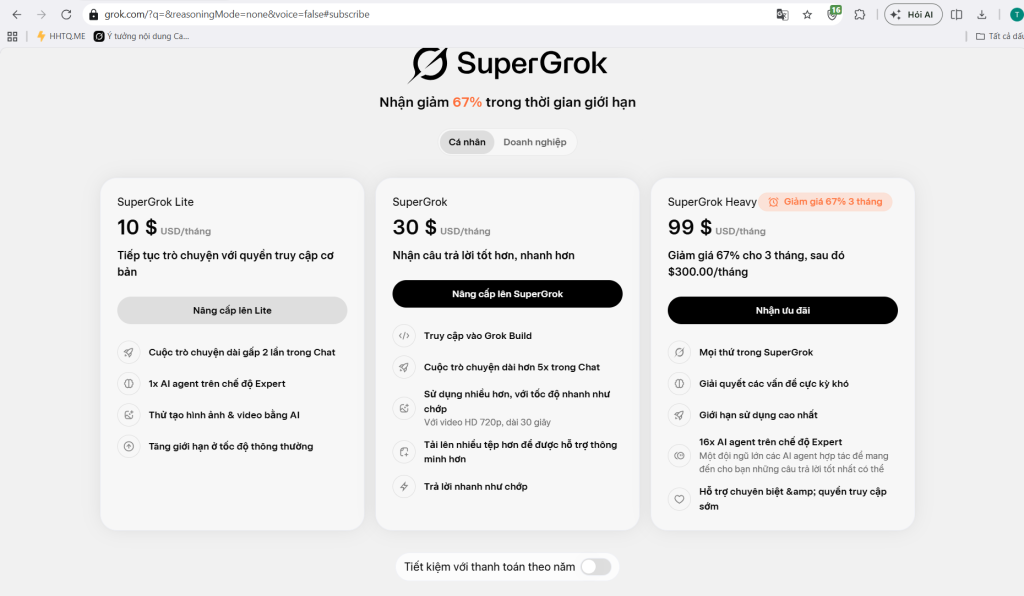
Tài Khoản Grok Giá Rẻ – Tiết Kiệm Chi Phí Cho Học Tập, Công Việc Và Kinh Doanh

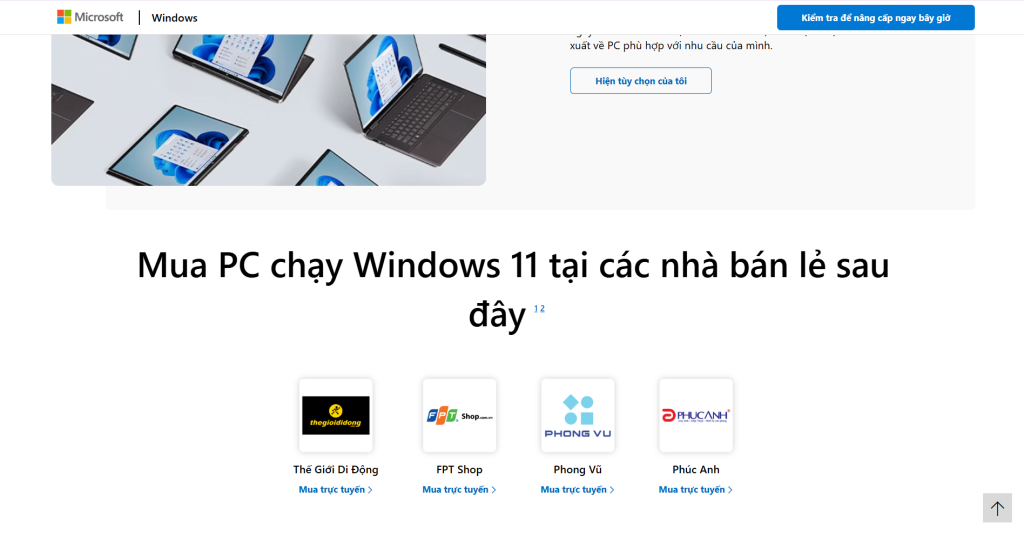
Nên Mua Bản Quyền Windows Ở Đâu Tại Việt Nam? Hướng Dẫn Chọn Nơi Mua Uy Tín, Giá Tốt Và An Toàn

Facebook Bị Sập: Người Dùng Không Nên Hoang Mang Và Cần Cảnh Giác

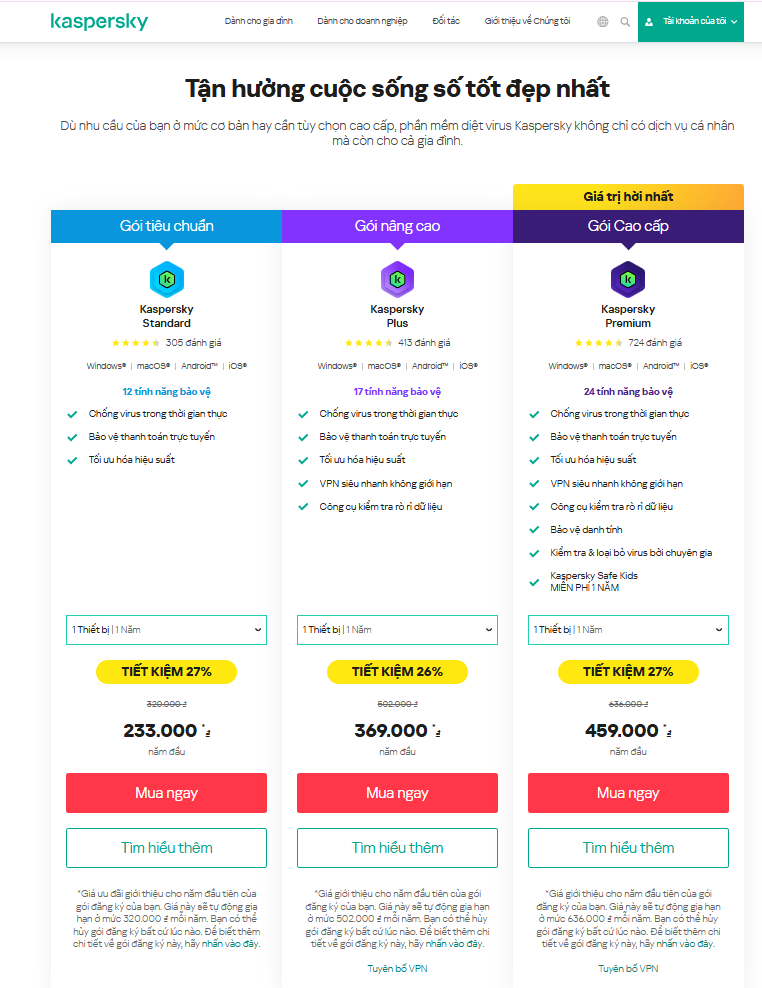
Mua Kaspersky Premium Giá Bao Nhiêu? Bảng Giá Key Chính Hãng Mới Nhất

Mua Kaspersky Premium Antivirus Với VPN Không Giới Hạn Giá Rẻ, Bản Quyền Chính Hãng

Những Lỗi Thường Gặp Khi Đăng Ký Tài Khoản AI Và Cách Xử Lý

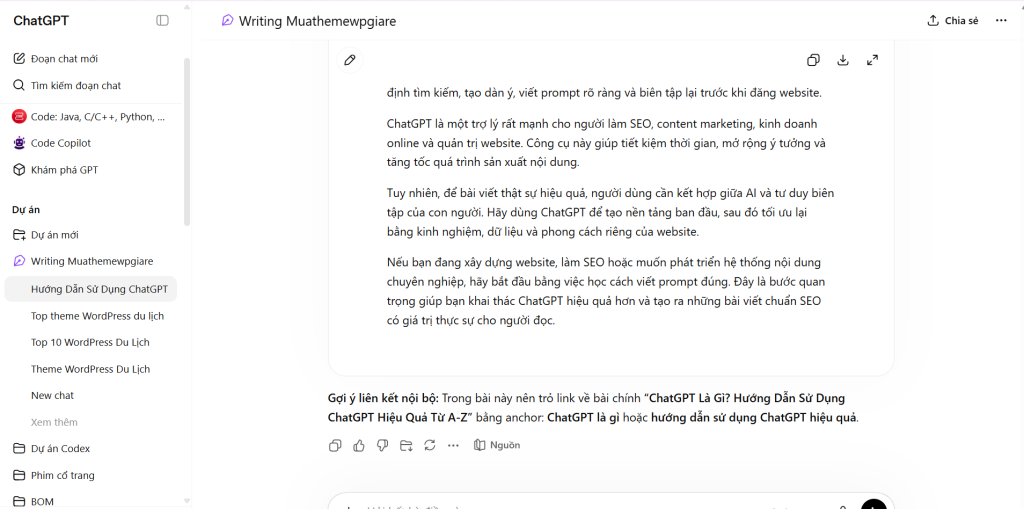
Cách Dùng ChatGPT Viết Bài Chuẩn SEO Cho Website Hiệu Quả
-
ChatGPT Là Gì? Hướng Dẫn Sử Dụng ChatGPT Hiệu Quả Từ A-Z
-
Theme WordPress Du Lịch Đẹp, Chuẩn SEO, Dễ Tùy Biến Bằng Flatsome

Hướng Dẫn Nâng Cấp Super Grok Miễn Phí Mới Nhất – Những Cách Hợp Pháp Bạn Nên Biết
-
Nâng Cấp Google Antigravity Ultra: Tài Khoản Antigravity Giá Rẻ
-
Dùng Antigravity Pro: Đánh giá gói phí và giới hạn hiện tại
-
Antigravity Ultra và Pro: So sánh hạn mức, tài khoản, mua gói nào?
-
Mua gói Google Antigravity Pro hay Ultra: Nên chọn loại nào?
-
Cách dùng ChatGPT hiệu quả để tiết kiệm thời gian

ChatGPT là gì? Hướng dẫn sử dụng từ A-Z cho người mới